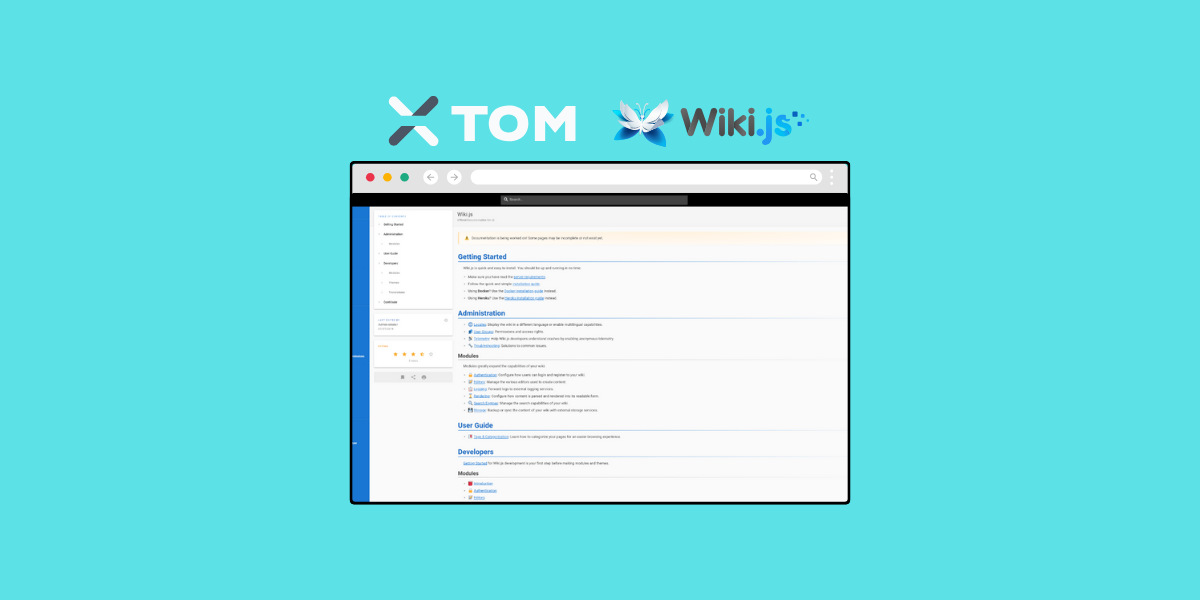
Ever wanted to manage your team's knowledge base or customer documentation with a sleek, modern platform that's under your full control?
If that's the case, self-hosting Wiki.js might be just the solution you're looking for.
It's a powerful, open-source wiki application that combines simplicity with flexibility, making it easier than ever to create and manage content collaboratively.
That said, in this article, we'll explore what Wiki.js is, discuss its pros and cons, and guide you through the process of easily self-hosting it on a Linux system using Docker Compose. Let's dive in.
What is Wiki.js?
Wiki.js is an open-source wiki engine built on Node.js, designed to provide a seamless and user-friendly experience for managing documentation.
It supports multiple editing formats like Markdown and WYSIWYG, real-time collaboration, and integrates with various authentication systems.
Why self-Host Wiki.js?
Self-hosting gives you complete control over your data and the flexibility to customize the platform to fit your needs. Unlike external services, self-hosting ensures your sensitive information remains private and secure within your infrastructure.
Plus, it's almost always the cheaper option.
Pros and cons of self-hosting Wiki.js
Pros
- Full control over your data: Keep your documentation in-house without depending on external platforms.
- Customizable environment: You can tailor Wiki.js to meet your organization's specific needs.
- Modern interface: Enjoy a sleek, responsive design that's easy to navigate.
- Flexible editing: Choose between Markdown, WYSIWYG, and other markup languages.
- Real-time collaboration: Work simultaneously with team members on the same document.
Cons
- Initial setup complexity: Setting up and maintaining the server requires technical expertise.
- Resource requirements: Needs a server environment with Node.js and a database.
- Maintenance overhead: Ongoing updates and backups are your responsibility.
How to self-host Wiki.js on Linux using Docker Compose
Ready to take control of your documentation/wiki? Let's walk through how to self-host Wiki.js on a Linux system like Debian, Ubuntu, or RHEL, using Docker Compose.
Prerequisites
- A Linux server (Debian, Ubuntu, RHEL, etc).
- Root or sudo access.
- Docker and Docker Compose installed. You can learn more about Docker and Docker Compose here.
- Basic Linux experience.
- Ideally a domain/subdomain for your wiki. You can get a domain from us here.
- If you're starting from scratch, we recommend Debian 12. You can grab an affordable VPS from us (perfect for running Wiki.js), one-click install Debian, and check out our detailed guide on How to Install Docker and Docker Compose on Debian 12 'Bookworm'. That'll get you to the point where you're ready to follow the instructions below.
Step 1. Create a Docker Compose File
First, create a directory for Wiki.js:
mkdir ~/wikijs && cd ~/wikijs
Then, create the docker-compose.yml file:
nano docker-compose.yml
Note: If you're on a RHEL-derived distribution such as CentOS, Fedora, AlmaLinux, or Rocky Linux, you'll need to slightly alter some things throughout, such as using vi/vim instead of nano.
Add the following content:
services:
  db:
    image: postgres:15-alpine
    environment:
      POSTGRES_DB: wiki
      POSTGRES_USER: wikijs
      POSTGRES_PASSWORD: wikijsrocks
    volumes:
      - db-data:/var/lib/postgresql/data
    restart: unless-stopped

  wiki:
    image: ghcr.io/requarks/wiki:2
    ports:
      - "80:3000"
    environment:
      DB_TYPE: 'postgres'
      DB_HOST: 'db'
      DB_PORT: 5432
      DB_USER: 'wikijs'
      DB_PASS: 'wikijsrocks'
      DB_NAME: 'wiki'
    depends_on:
      - db
    restart: unless-stopped

volumes:
  db-data:
Step 2. Launch Wiki.js
Start the containers:
sudo docker compose up -d
Check if everything is running smoothly:
sudo docker compose ps
Step 3. Access Wiki.js
Open your web browser and navigate to http://your_server_ip.
You should see the Wiki.js install page, which will ask you to set up the admin account and what you'd like the URL to be. After that, you're good to go!
Conclusion
Self-hosting Wiki.js gives your team control over your documentation platform while maintaining the convenience of modern features.
From Markdown support for developers to WYSIWYG editing for non-technical team members, whether you're managing internal knowledge bases, technical documentation, or customer support resources, Wiki.js strikes a practical balance between ease of use and functionality and will work for just about anyone/any organization.
Give it a shot! Worst case scenario if you hate Wiki.js, you can simply switch to one of their many alternatives.
Need hosting?
If you're searching for reliable infrastructure to host your self-hosted Wiki.js setup, xTom offers a range of solutions, including dedicated servers, colocation, and IP transit services.
For scalable virtual private servers, V.PS provides NVMe VPS hosting that's perfect for running applications like Wiki.js.
Thanks for reading!